
Weather tracking without iframes
A shareable token, a public JSON feed, and a small script that paints CloudIP weather tracking inside the host page. The full /track page stays the branded experience for email, SMS, and “open in new tab.”
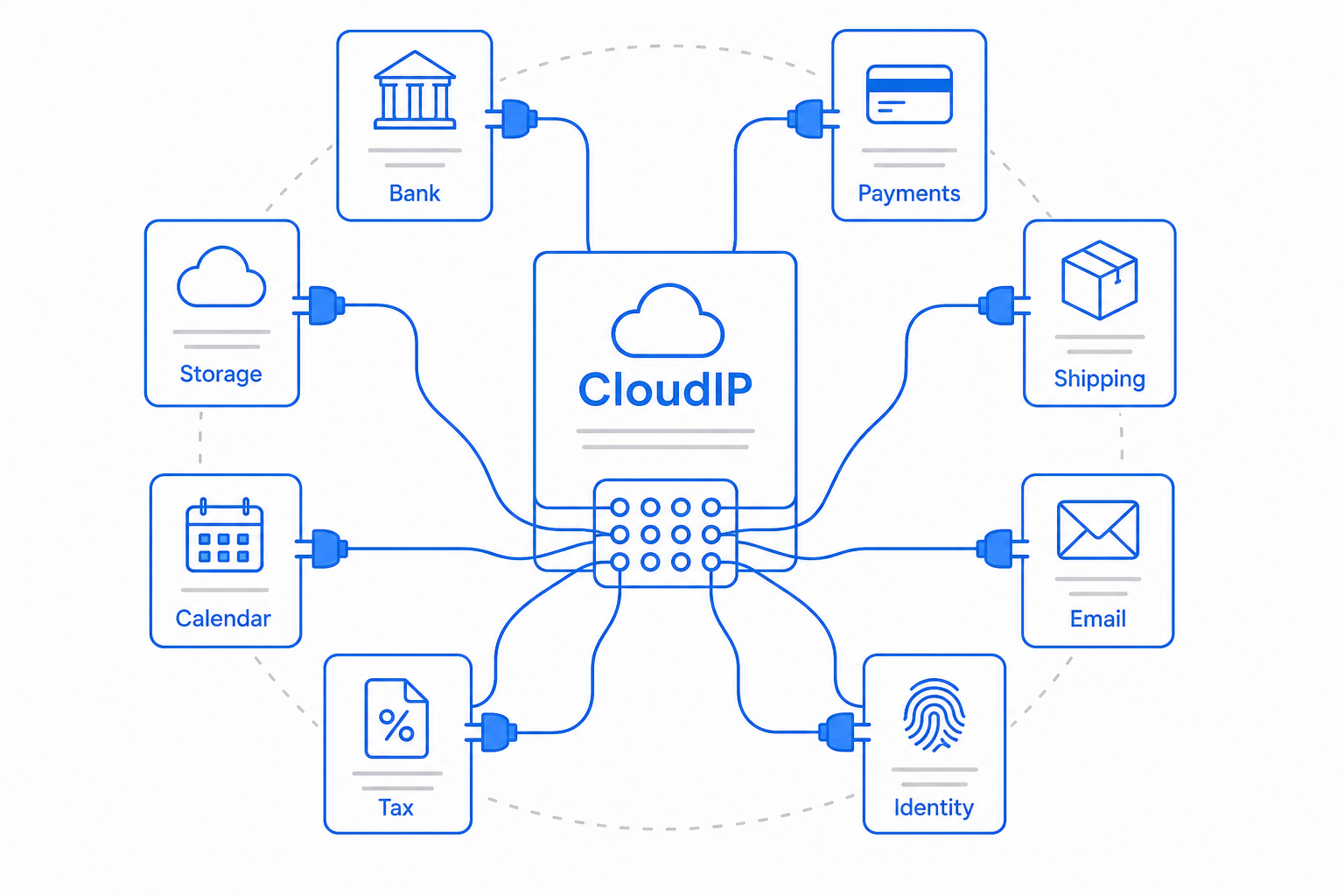
Paste two lines on any site
Possession of the order’s portal token is the only auth. The widget fetches view=card by default, renders in shadow DOM so host CSS cannot break the layout, and links to the full /track/{token} page. Staff warnings, extra SKUs, and the what-if forecast stay off this surface.
<script src="https://cloudip.com/embed/v1/track.js" async></script>
<cloudip-track token="YOUR_PORTAL_TOKEN" view="card"></cloudip-track>
Copy the same snippet from Orders → Portal after you publish a link. Use view="route" to lazy-load a Leaflet map in the host page.
GET /api/public/track/{'{token}'}
Query ?view=card|route|full. Card is status, ETA, outdoor range, humidity, in-truck peak, risk, attribution, and the full-page link. Route adds waypoint samples (lat/lon, date, temps, humidity) for hosts that draw their own map. Full is today’s complete portal payload. The older /api/public/order-portal/{token} route remains as a compatibility alias for the full view.
{
  "success": true,
  "view": "card",
  "data": {
    "view": "card",
    "trackUrl": "https://cloudip.com/track/YOUR_PORTAL_TOKEN",
    "attribution": "Weather: NOAA/NWS (public domain), MET Norway (CC BY 4.0), NOAA 1991-2020 Climate Normals.",
    "orderNumber": "1001",
    "status": "in_transit",
    "estimatedDelivery": "Aug 24",
    "currentStage": { "id": "shipped", "label": "Shipped" },
    "weather": {
      "risk": "caution",
      "outdoorMinF": 74,
      "outdoorMaxF": 91,
      "humidityPct": 70,
      "cargoPeakF": 88,
      "cargoHumidityPct": 54
    }
  }
}- CORS on this GET (and OPTIONS) only: the API echoes the request Origin, or uses
*. Methods allowed: GET, OPTIONS. Authenticated/api/orders/*stays closed. - Rate limit is 120 requests / 5 minutes / IP for card, 60 for route and full.
- Always include the attribution string: Weather: NOAA/NWS (public domain), MET Norway (CC BY 4.0), NOAA 1991-2020 Climate Normals.
How any application plugs in
| Host | How they integrate | Iframe? |
|---|---|---|
| Custom site / Woo / Webflow | Paste the script + <cloudip-track> | No |
| Helpdesk / WMS / ERP | Same widget, or card JSON in their own UI | No |
| Native / email / SMS | JSON, Custom Store shipment.confirmed (trackUrl + weather), or the /track link | No |
| Shopify Online Store | Theme App Extension that bundles the widget. A Liquid block only works if the theme CSP allows cloudip.com scripts. | No |
| Shopify Thank you / Order status | Checkout UI Extension calling view=card JSON — no arbitrary script, no iframe | No |
Do not iframe /track/*. CloudIP sends frame-ancestors 'none', and Shopify Online Store, Checkout, and many WMS portals refuse third-party frames anyway. The official Shopify path is a Theme App Extension (and a Checkout UI Extension on thank-you pages), not an iframe.
Common questions about weather tracking
Shopify and similar platforms block third-party frames, and CloudIP itself refuses to be framed. The JSON feed plus script widget is the integration that those hosts can actually run.
Publish a tracking link
Authorize the customer portal on an order, copy the widget snippet, and drop it into any host that can run a script — or just share the /track link.